


All blogs
Share
Published on 5 May, 2026
INI CET July 2026 Admit Card: Release Date, Download Process, and Guidelines
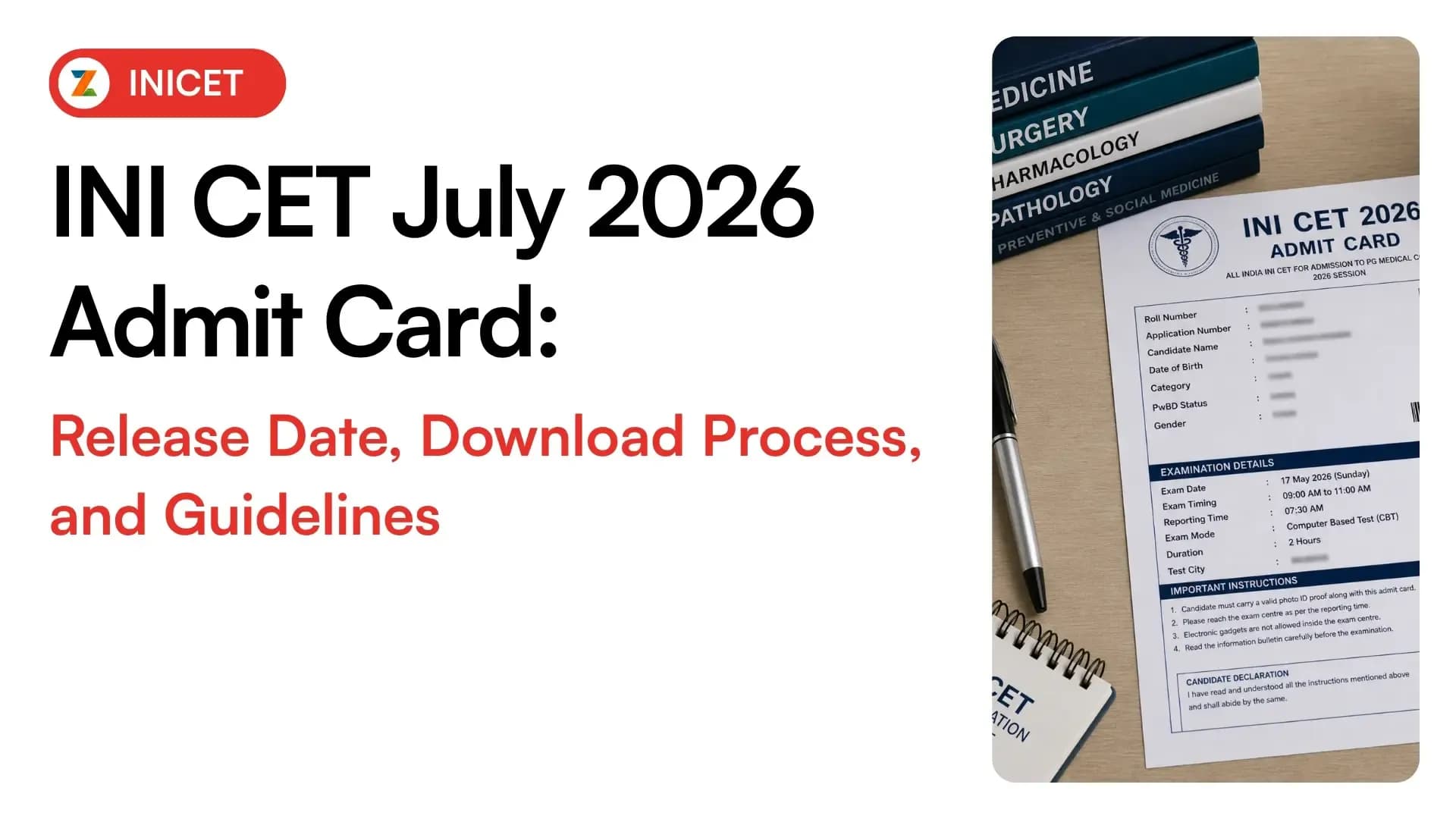
Table of contents
- When will the INI CET July 2026 admit card be released?
- How to download INI CET July 2026 admit card
- INI CET July 2026 schedule
- What you need to download the admit card
- What are the Details included in the Admit Card
- INI CET July 2026 Exam Pattern Overview
- INI CET 2026 Exam Day Instructions
- What to do if there is an Error in the INI CET Admit Card
- Common Issues while Downloading Admit Card
The INI CET July 2026 admit card is expected to be released on 9 May 2026 on the official AIIMS exams website. Candidates who have applied for the July session will be able to download it by logging into their candidate account. The exam is scheduled for 16 May 2026.
It’s always better not to wait till the last moment. Once the link goes live, many students log in at the same time and the site can slow down. Download it early, just to avoid that hassle.
After downloading, take a proper look at the details. Things like your name, photograph, exam centre, and reporting time should all be correct. Even small errors shouldn’t be ignored.
The admit card is not optional. You simply won’t be allowed inside the exam hall without it. Along with the hall ticket, a valid photo ID is also required on exam day.
AIIMS issues the admit card only online, so candidates have to download and print it themselves. Keeping an extra copy usually helps.
When will the INI CET July 2026 admit card be released?
The hall ticket is expected around 9 May 2026. Once it is out, candidates can log in and download it from the official AIIMS portal.
The exam will be held on 16 May 2026. Since the gap is short, it makes sense to download the admit card as soon as it becomes available instead of delaying it.
Before exam day, double-check everything on the admit card. Centre details, name spelling, photograph, and timing should all be correct. If something feels off, it should be reported immediately.
How to download INI CET July 2026 admit card
Once the admit card is released, the process is simple, but it’s usually slow during peak hours. Logging in early helps.
Visit the official AIIMS exams website and go to the Academic Courses section. AIIMS states that the INI CET portal is accessed through the official exams site.
Open the INI-CET page for the July 2026 session.
Log in with your Registration ID, Password. AIIMS specifies these credentials for accessing the admit card through the candidate dashboard.
Download the admit card from MyPage and save a clear printout. AIIMS says the admit card is available online only and can be downloaded from the candidate portal.
Check all details immediately after download and raise a query if anything looks incorrect. AIIMS directs candidates to use the help or query section in MyPage for discrepancies.
After that, quickly check all details. If anything doesn’t match, raise it through the portal instead of waiting.
INI CET July 2026 schedule
The key dates for the session are already out. Missing even one step can create issues later, so it helps to keep them noted somewhere.
Event | Date |
|---|---|
Application Form Release | 28 March 2026 |
Last Date to Apply | 25 April 2026 (5:00 PM) |
Application Correction Window | 30 April 2026 to 2 May 2026 |
Admit Card Release Date | 9 May 2026 |
INI CET July 2026 Exam Date | 16 May 2026 |
What you need to download the admit card
Candidates need to log in to the AIIMS candidate portal to access their admit card, so it’s best to have their login details ready before starting the download process.
Registration ID
Password
What are the Details included in the Admit Card
Once downloaded, the admit card will carry all key exam details. It’s worth checking it properly instead of just printing and forgetting.
Candidate name
Roll number
Registration number
Photograph and signature
Exam date and timing
Reporting time
Exam centre name and address
Exam instructions
Even a small mismatch should be taken seriously and reported.
INI CET July 2026 Exam Pattern Overview
Knowing the pattern once before preparation makes things easier later.
Particulars | Details |
|---|---|
Exam Mode | Computer-Based Test (CBT) |
Exam Duration | 3 Hours |
Total Questions | 200 Questions |
Question Type | Multiple Choice Questions (MCQs) |
Total Sections | 4 Parts |
Questions Per Section | 50 Questions |
Time Allotted for Each Part | 45 Minutes |
Marks for Correct Answer | +1 Mark |
Negative Marking | -1/3 Mark |
Marks for Unanswered Questions | 0 Marks |
Qualifying Percentile for UR/EWS/OCI/Sponsored/Foreign Nationals | 50th Percentile |
Qualifying Percentile for OBC/SC/ST/PwBD | 45th Percentile |
INI CET 2026 Exam Day Instructions
On exam day, it’s important to stick to the instructions given by AIIMS. Small things like reaching a bit late or carrying items that aren’t allowed can easily lead to issues at the centre.
Reach the exam centre well before the reporting time
Carry admit card + photo ID
No phones, watches, calculators, or gadgets allowed
No bags, notes, books, or papers
Avoid heavy jewellery and unnecessary accessories
Some centres may not allow certain footwear
Biometric checks will happen before entry
Follow staff instructions properly
What to do if there is an Error in the INI CET Admit Card
Once the admit card is downloaded, it’s worth going through all the details carefully. If anything doesn’t look right, it should be reported straight away rather than waiting until the exam day.
Check all details carefully after download
Use the help/query option in your login
Keep registration details handy
Make sure complaint details match application form
Use registered email ID for communication
Don’t wait till the last moment
Response time may vary
Common download issues
Common Issues while Downloading Admit Card
Once the admit card link is activated, many candidates try to download it at the same time. Because of this, small technical problems are quite common during the first few hours after release.
Forgot password or Registration ID
Trouble logging into the candidate portal
Website becoming slow due to heavy traffic
Admit card page not loading properly
Incorrect login details entered during sign in
Internet issues interrupting the download process
Server delays while opening the dashboard
Admit card downloading with missing details or unclear print

Frequently Asked Questions
Here are some answers to questions you might be looking for.

Related Blogs

NEET PG 2026 Answer Key: Release Date, PDF, Download Steps & Marking Scheme
The NEET PG answer key usually helps candidates verify their responses and estimate their probable score and last year it was released after the official result was declared. This year, the answer key may be published before the results are announced. The National Board of Examinations in Medical Sciences (NBEMS) conducted NEET PG 2026 on August 30, 2026, with a re-examination held for affected candidates at selected Jaipur centres on September 5.
Sep 23, 2026

NEET PG 2026 Scorecard: Download Link, Release Date, Cutoff, Details & More
The NEET PG scorecard 2026 is the individual result document issued by the National Board of Examinations in Medical Sciences (NBEMS) for candidates who appeared in NEET PG 2026. NBEMS declared the NEET PG 2026 result on September 24, 2026, while individual scorecards can be downloaded from the NBEMS website on or after October 1, 2026.
Oct 1, 2026

NEET PG 2026 PwD Guidelines: Eligibility, Functional Assessment, Speciality-Wise Criteria & Appeals
The National Medical Commission (NMC) has released new guidelines for NEET PG 2026 PwD candidates. The guidelines explain how PwBD candidates will be assessed for eligibility during counselling and admission.
Oct 9, 2026

NEET PG Result 2026 Out @natboard.edu.in: How to Check, Scorecard, Cut-Off, Merit List & More
NEET PG result 2026 tentative release date is September 30, 2026 as per the schedule released by National Board of Examinations in Medical Sciences (NBEMS). The NEET PG 2026 result will be announced on the official website for the candidates who had appeared in the examination.
Sep 15, 2026

NEET PG 2026 Round 1 Seat Allotment Result, Download Link, Reporting and Free Exit Rules
The NEET PG Round 1 seat allotment result 2026 is an important milestone for candidates seeking admission to MD, MS, DNB and other eligible postgraduate medical programmes through MCC counselling.
Oct 23, 2026

NEET PG 2026 Round 1 Reporting: Dates, Process, Documents and Rules
NEET PG Round 1 reporting is the process through which candidates complete the required admission formalities after receiving a postgraduate medical seat allotment.
Oct 29, 2026